

How to use Yoast AI Brand Insights
With Yoast AI Brand Insights, you can see how your brand is represented in AI answers. You can use this tool to see how your brand appears, and how it compares to competitors. In this article, we’ll explain where you can find Yoast AI Brand Insights, what information you should fill in, and how to run the brand analysis.
How to use Brand Insights
- Purchase Yoast SEO AI+ or upgrade your existing subscription
- Go to MyYoast
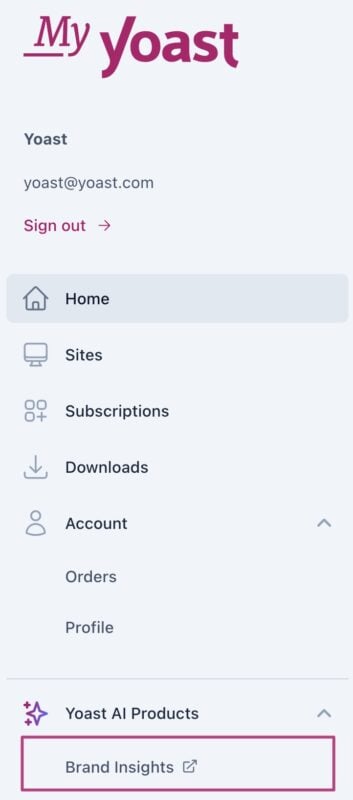
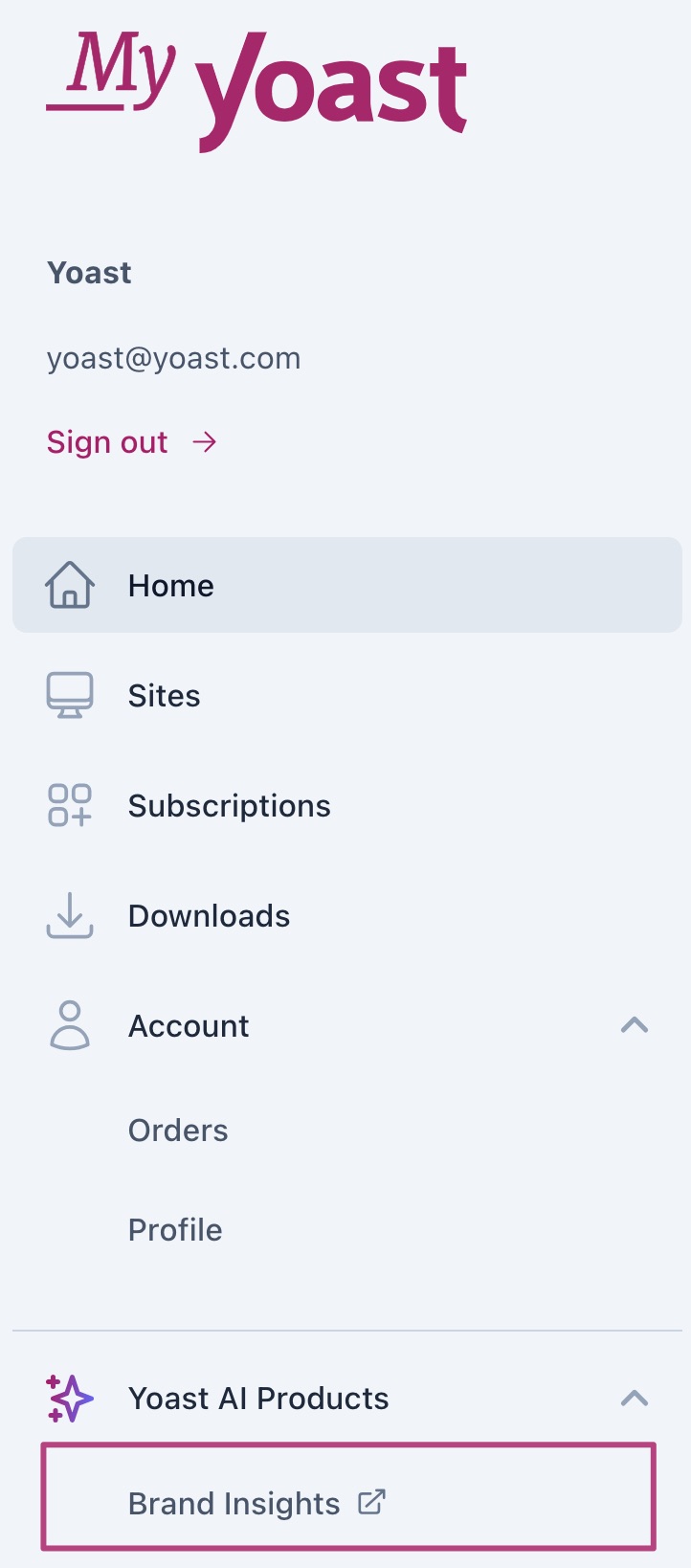
- In the menu, go to Brand Insights
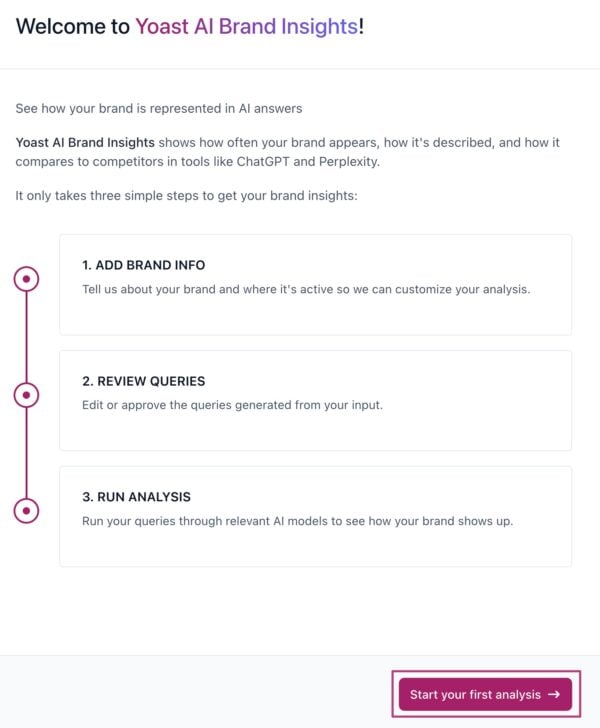
- Click on Start your first analysis
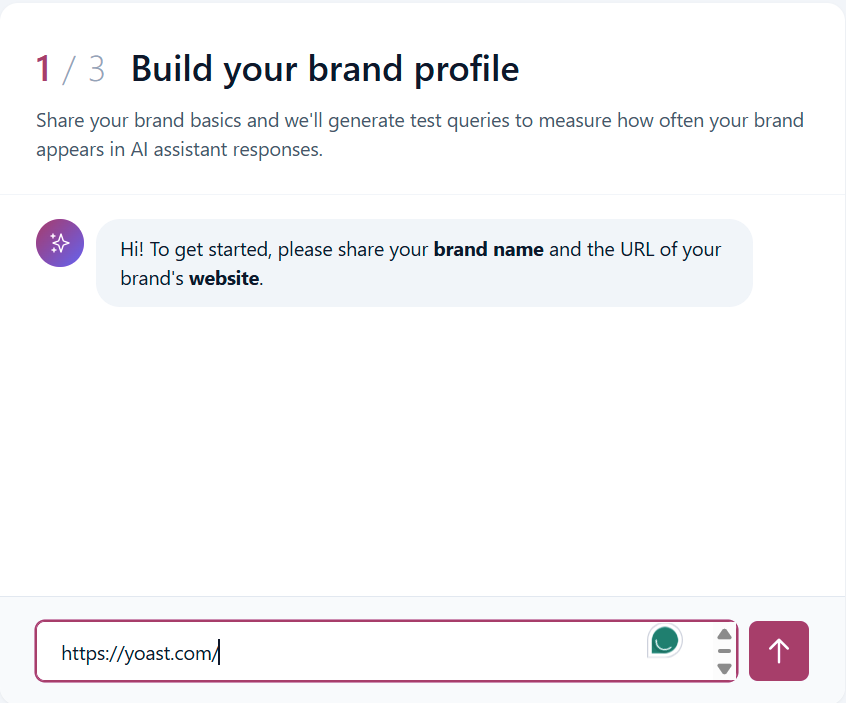
- It will take you to an onboarding assistant. Enter your website URL.
- The onboarding assistant will do some analysis to build a brand profile. Based on its analysis, it will generate a complete brand profile that includes elements such as description, key offerings, industry, and more.
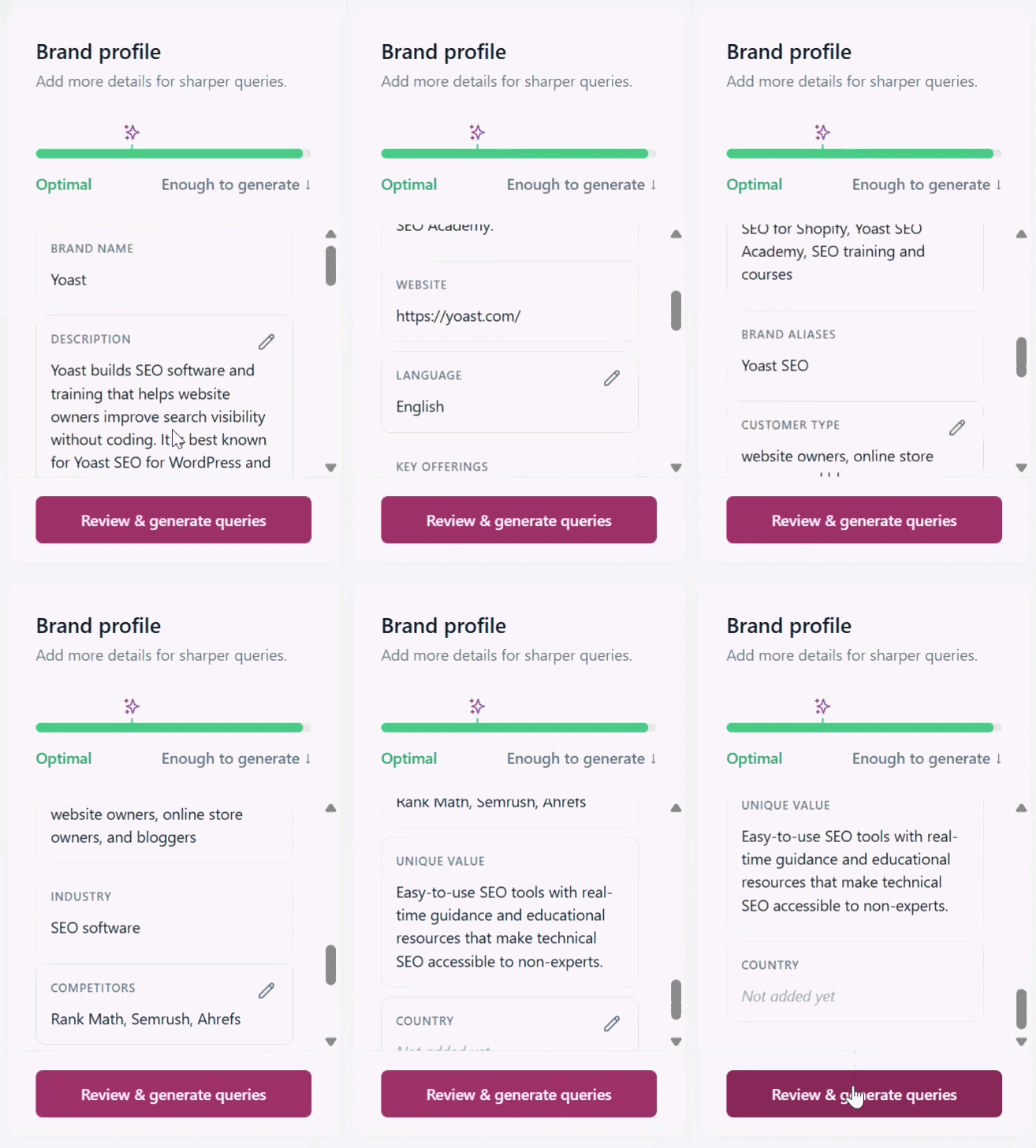
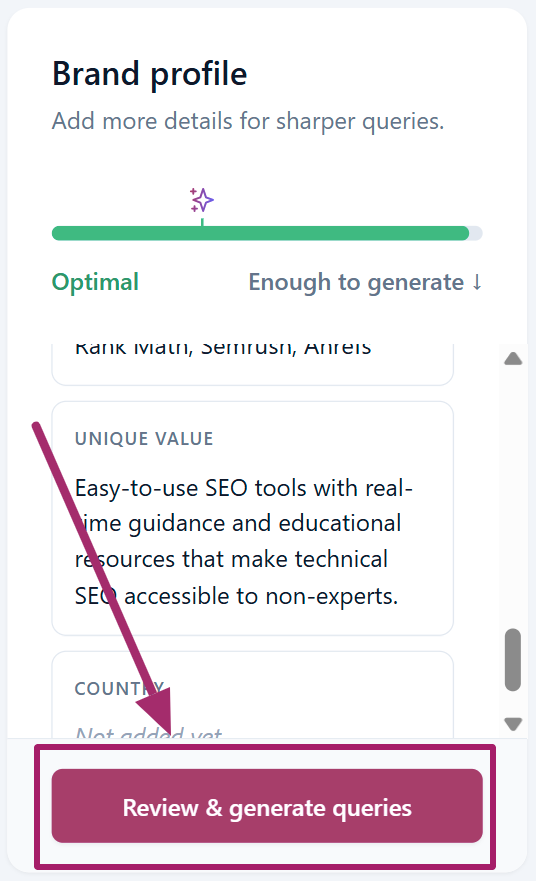
- If you are satisfied with the generated brand profile, click on the Review & generate queries button.
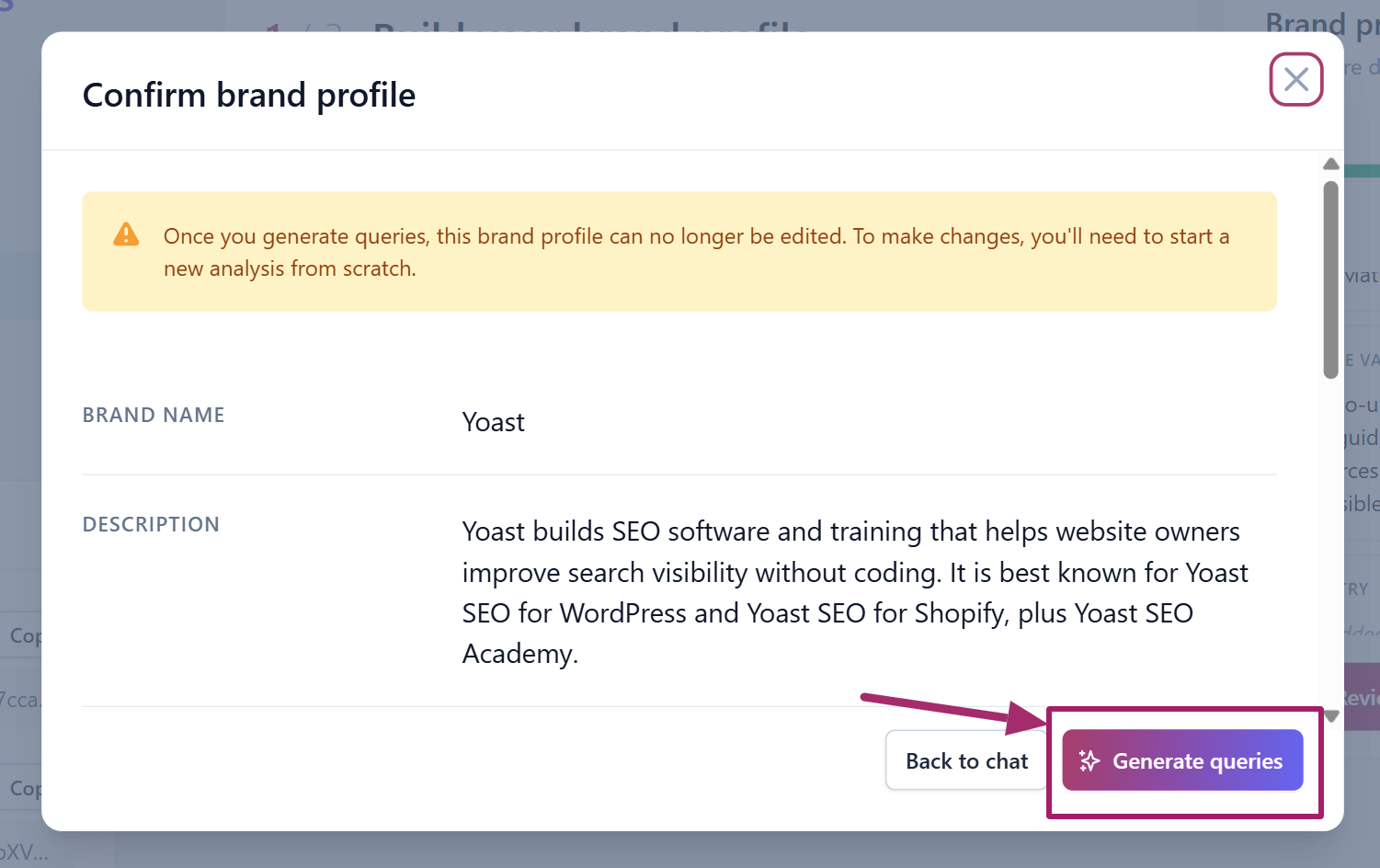
- A pop-up will appear that asks to confirm the brand profile. Review it, then click the Generate queries button.
- Accept, edit, or regenerate the queries
The AIBI platform generates 5 queries relevant to your brand. You can edit them or completely generate a new set of queries.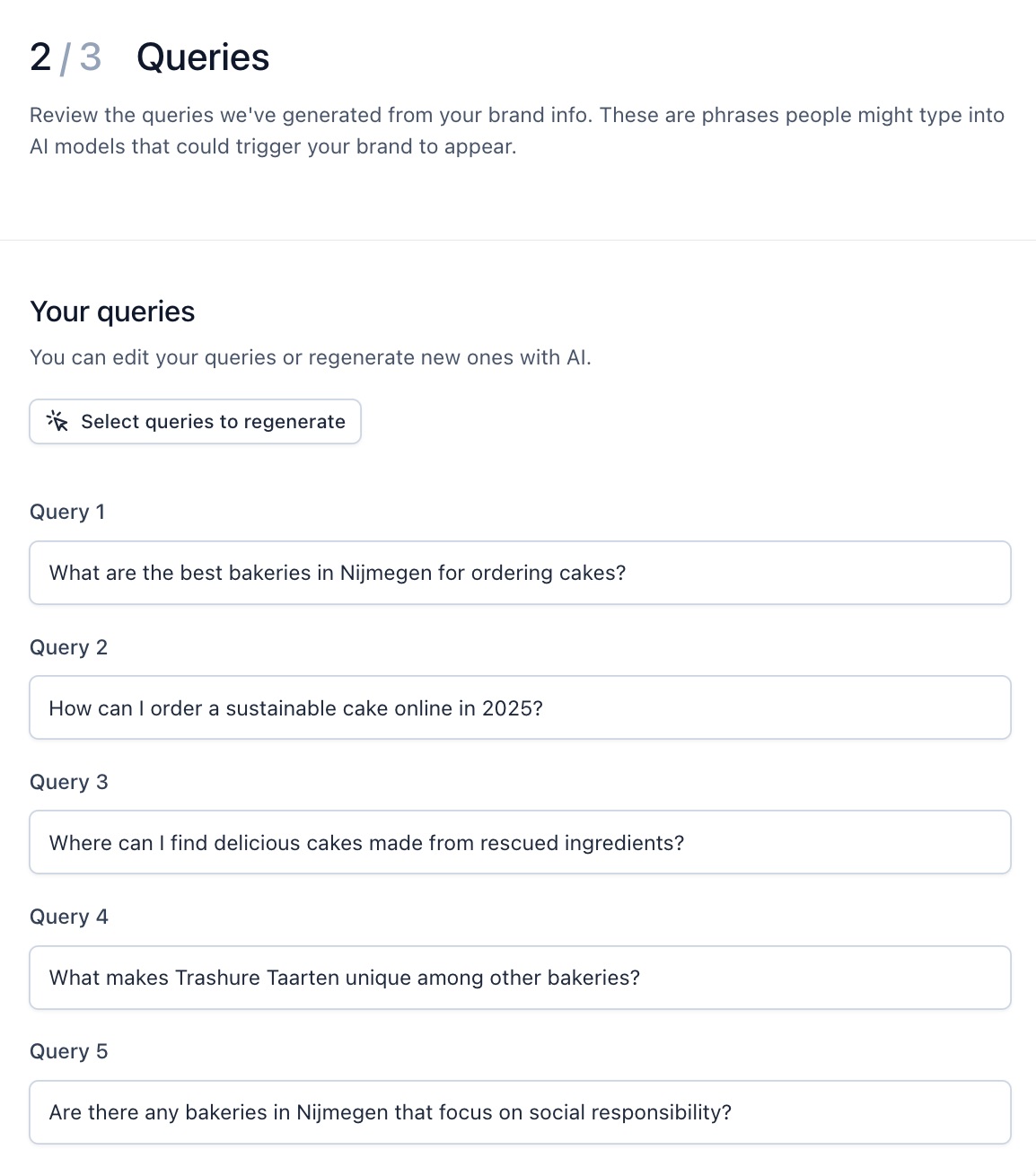
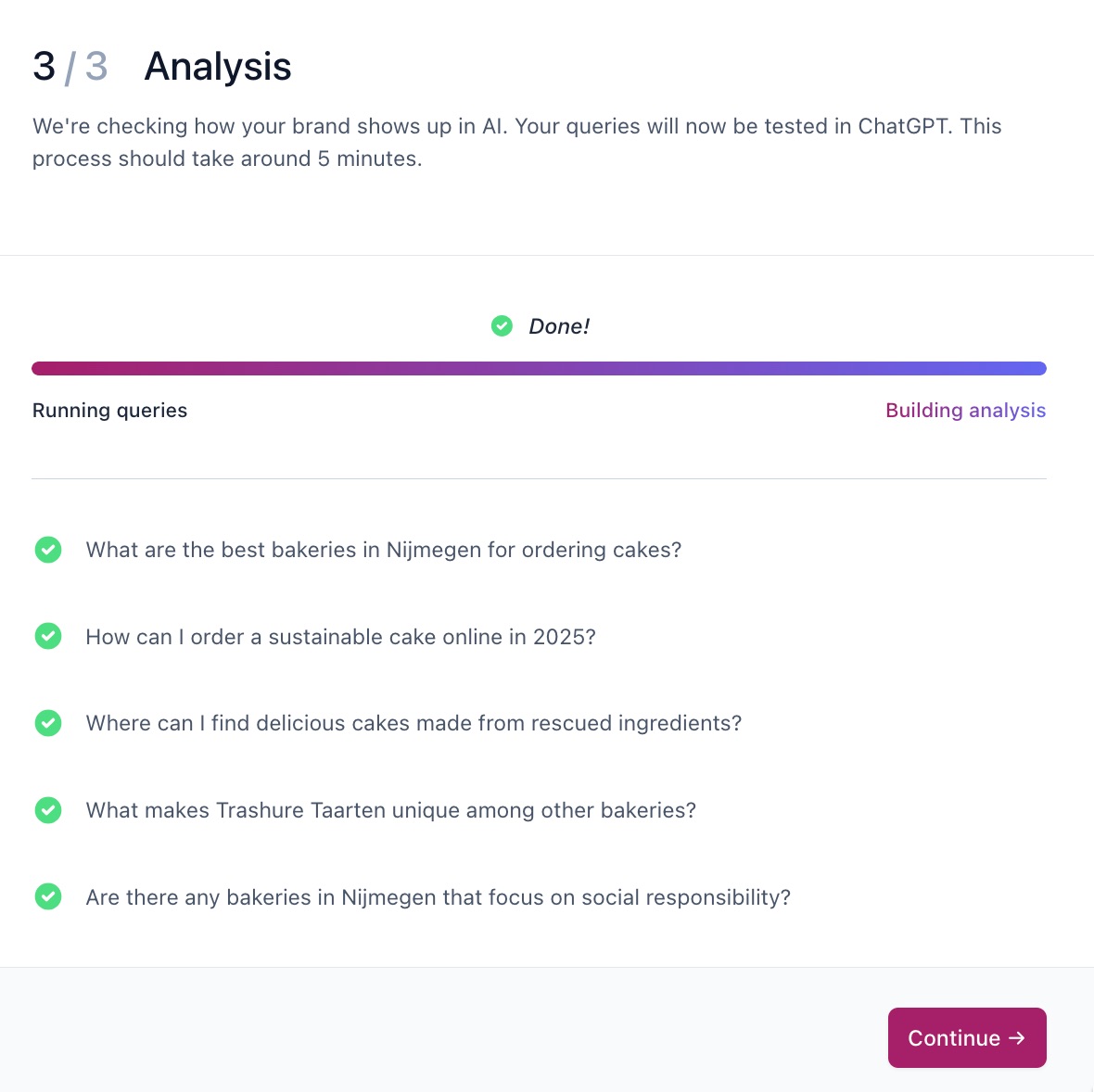
- Click Run analysis
- Wait for the analysis to finish.
The analysis will take around 5 minutes.
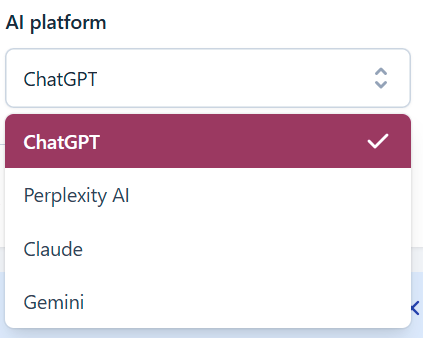
- Choose your AI platform of choice
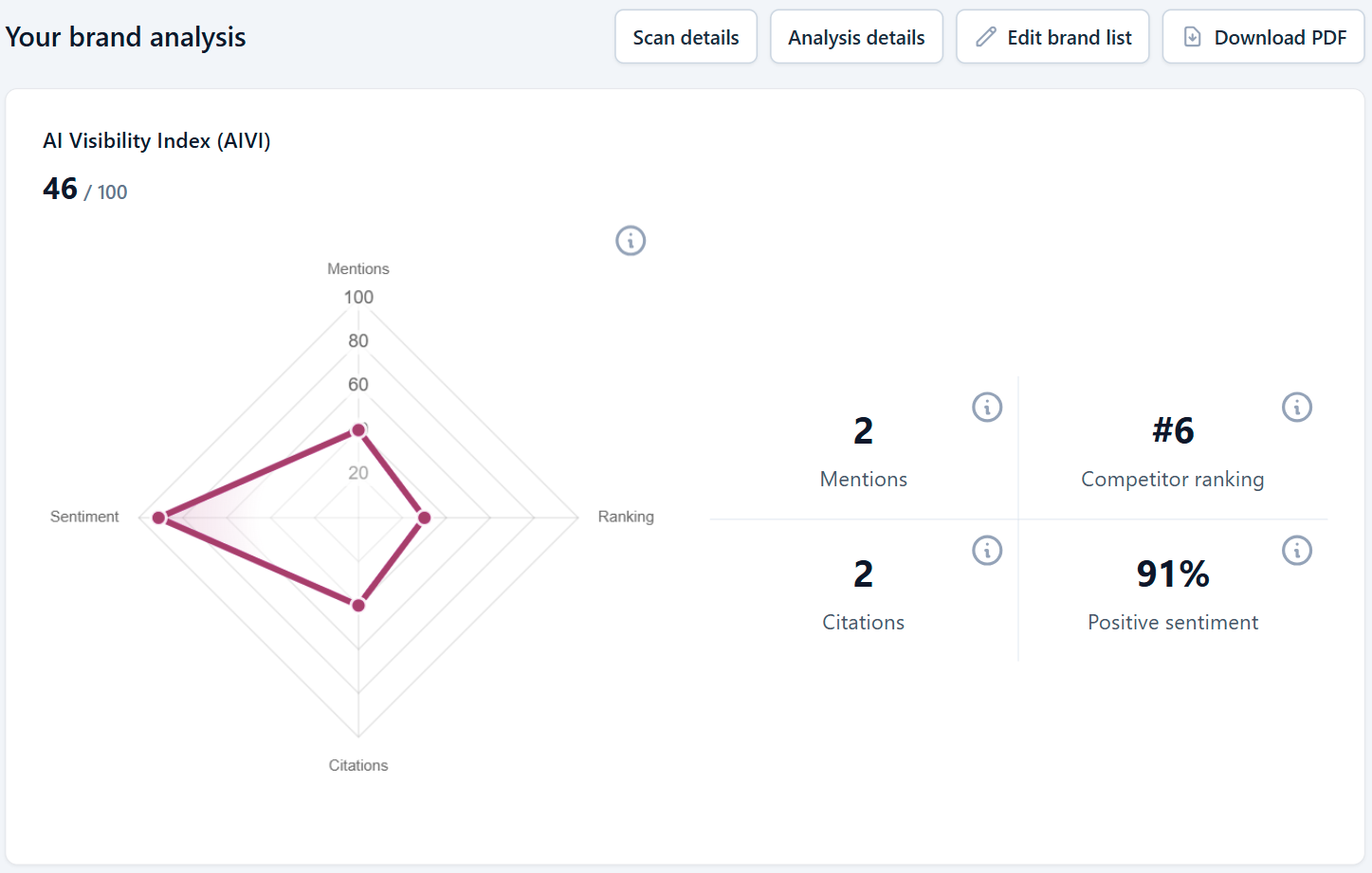
- Assess your brand analysis
You can find information on your brand’s visibility, mentions, sentiment, and citations, plus a ranking of your competitors. You can also download the analysis report as a .pdf file.
How to add a new a brand for analysis
- In MyYoast, go to Brand Insights
- Go to Brand analysis
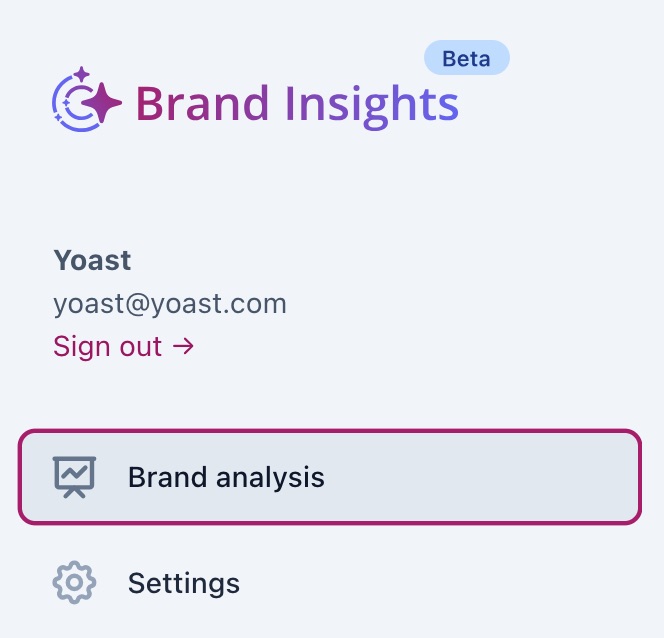
- Click Analyze a different brand
- Complete the brand analysis
How to deactivate or delete a brand
- In MyYoast, go to Brand Insights
- Go to Settings
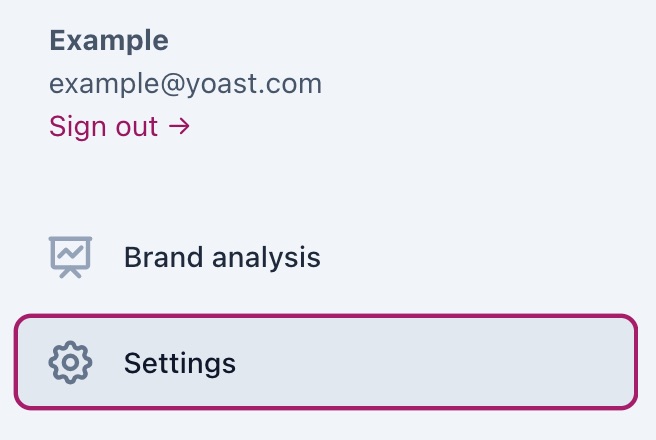
- Under Brands, slide the toggle to Off
The toggle will show a grey crossmark when it is off.
- To permanently delete the brand, click Delete brand

- If you want to add a new brand, follow the steps under How to use Brand Insights
How to permanently delete your Brand Insights data
- In MyYoast, go to Brand Insights
- Go to Settings
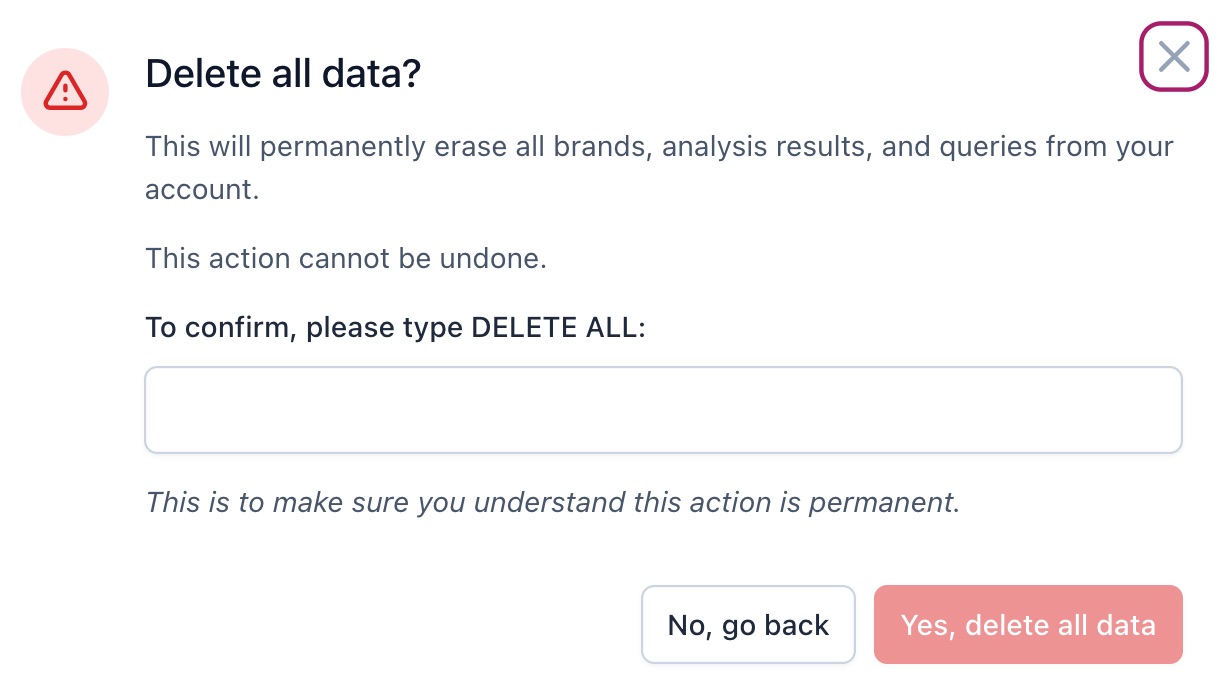
- Under Delete all data, click Delete all data

- Type DELETE ALL and click Yes, delete all data to confirm
How to fix duplicate brand listings
- In MyYoast, go to Brand Insights
- Go to Brand analysis
- Go to Edit brand list
- Use Search brands to find your brand name variants
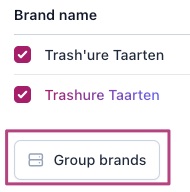
- Check all the variants and click Group brands
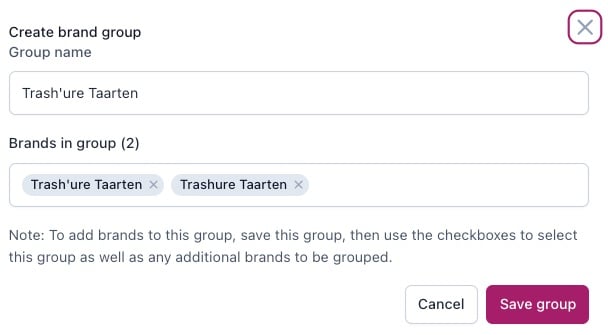
- Click Save group
I have a problem with Brand Insights
Please check that you have a valid subscription for Brand Insights and check in the Settings that your Brand is set to active. In some cases, there may be no or few results for your queries, or your brand could not be found. Follow the tips provided on the page to make your content accessible for LLMs. If you encounter other issues, please contact Yoast Support.

Get Yoast SEO AI+
- Monitor custom brand questions
- Citation analysis to understand which sources AI platforms reference
- Weekly brand analysis across AI platforms including ChatGPT, Claude, Gemini and Perplexity
Did this article answer your question?
Still having issues?
Try searching for your issue below